One icon. Your entire stack.
Start, stop, tail, and script every service you run — local or remote. Nothing leaves your Mac.
Problema
Your stack doesn't fit in one terminal tab. A web server, a database, a queue, two APIs, a worker. Each running somewhere different. Each with its own log stream. When something breaks at 3pm, you're cycling through tabs trying to find which process died — and whether it took the others with it.
Skamba pažįstamai?
A health check has been failing for 20 minutes and nobody noticed. An error pattern repeated 400 times in the logs before someone spotted it. You restarted the wrong service and killed an active debug session. You have 14 terminal tabs open and no idea which is which. You're not writing code. You're babysitting processes.
Kitoks požiūris
Not monitoring. Not another dashboard. Agata Stack is the menubar icon you were going to build yourself — for processes, health, logs, rules, and an HTTP API. Local or remote. Never in the cloud. One icon. One view. Back to writing code.
Six capabilities. One popover.
Service Orchestration
Any service, anywhere
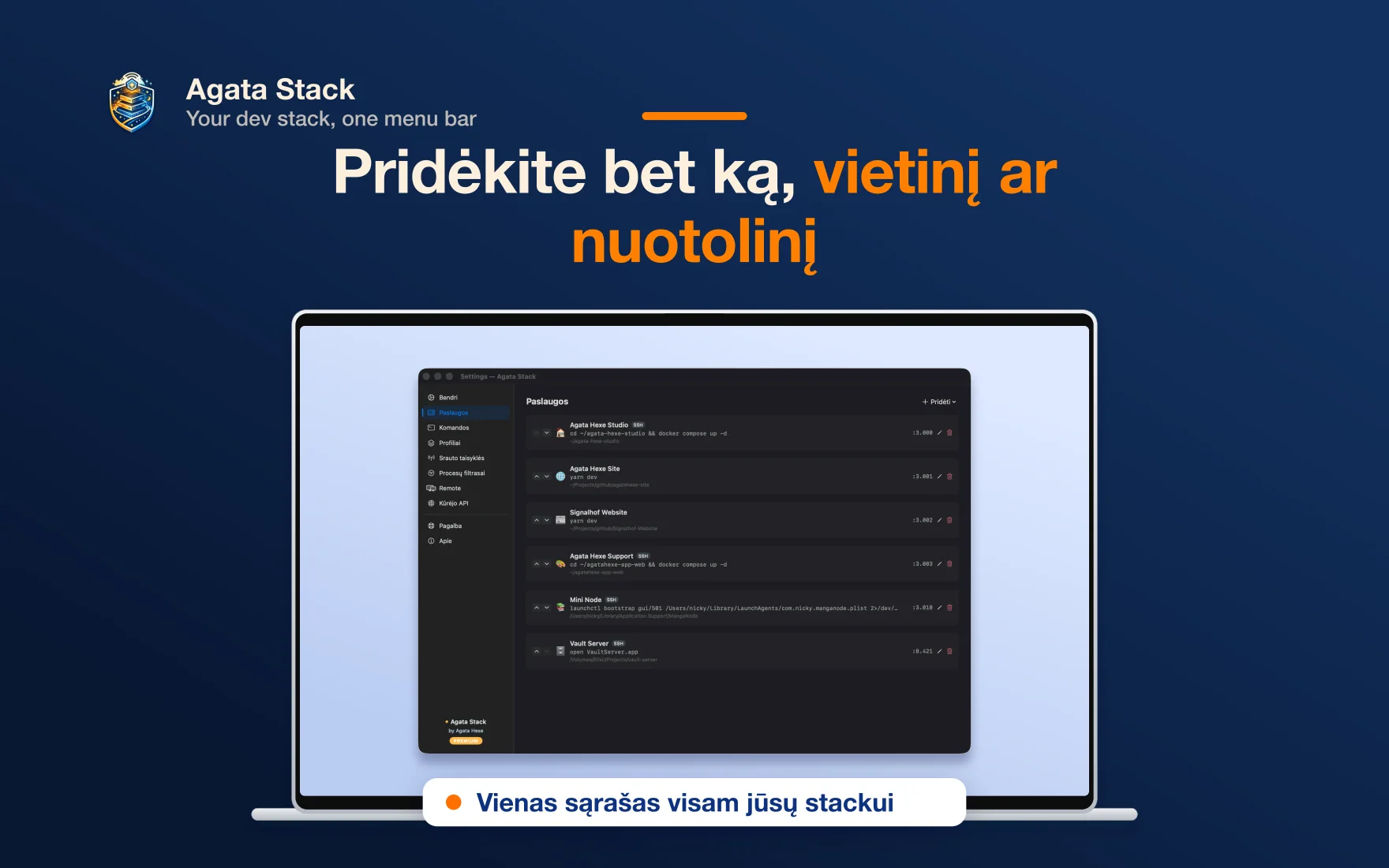
Manage any service — databases, APIs, workers, web servers — local processes and remote SSH hosts in the same interface. Auto-start on login. Auto-restart on crash. Port conflict detection.
Health Monitoring
Before your users notice
Continuous HTTP health checks with configurable intervals, failure thresholds, and real-time latency tracking. Know something is wrong before your users do.
Unified Log Stream
Every stream, one pane
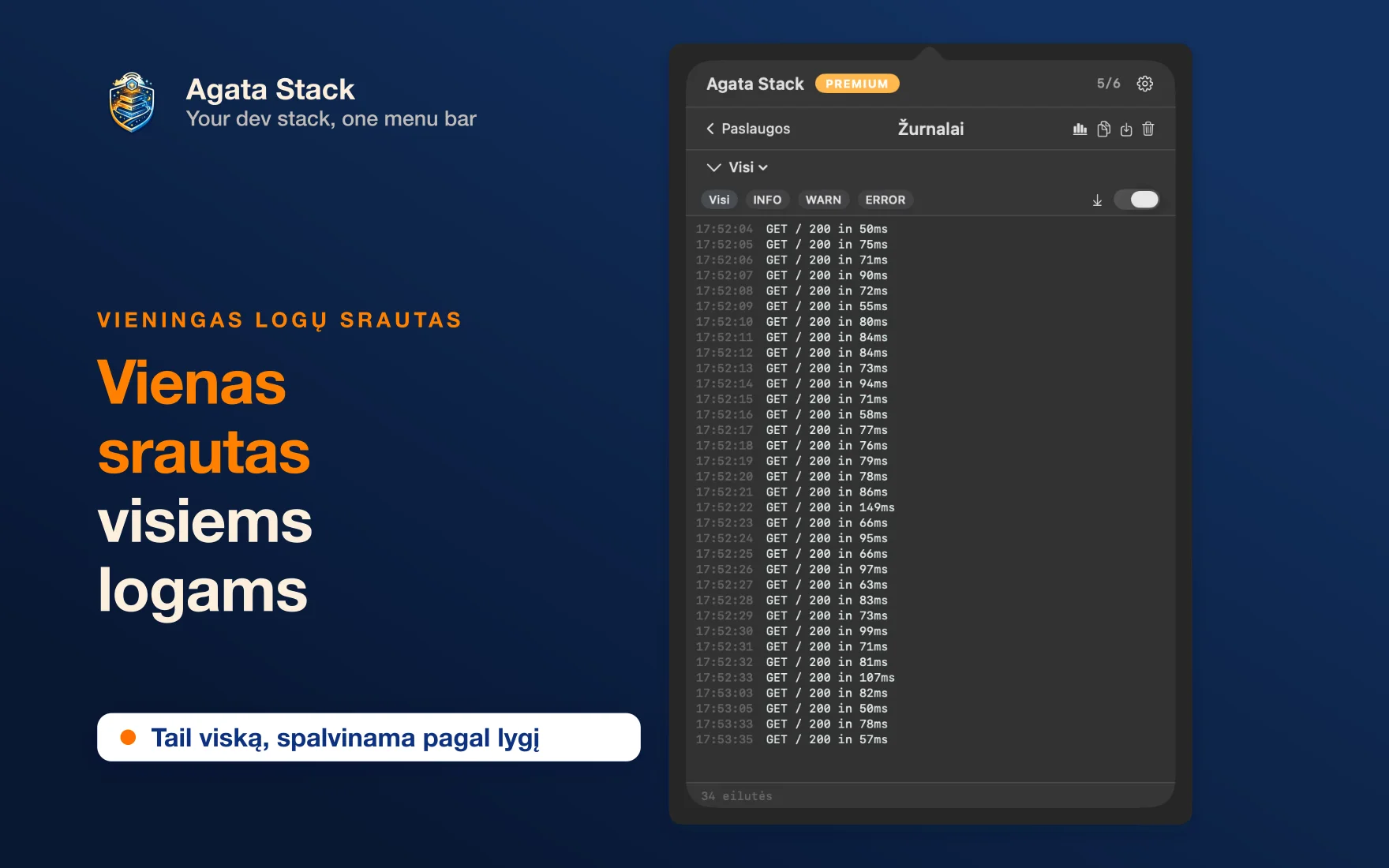
Every service, one view — plus live capture from any process on your Mac, even ones you didn't start. Filter by log level, search across all streams, detect duplicate patterns with fingerprinting, export with one click.
How it works
Step 1
Define your services
Start/stop commands, ports, working directories, health check URLs. Works with any process — Node, Python, Docker, databases, your own scripts.
Step 2
Run from the menubar
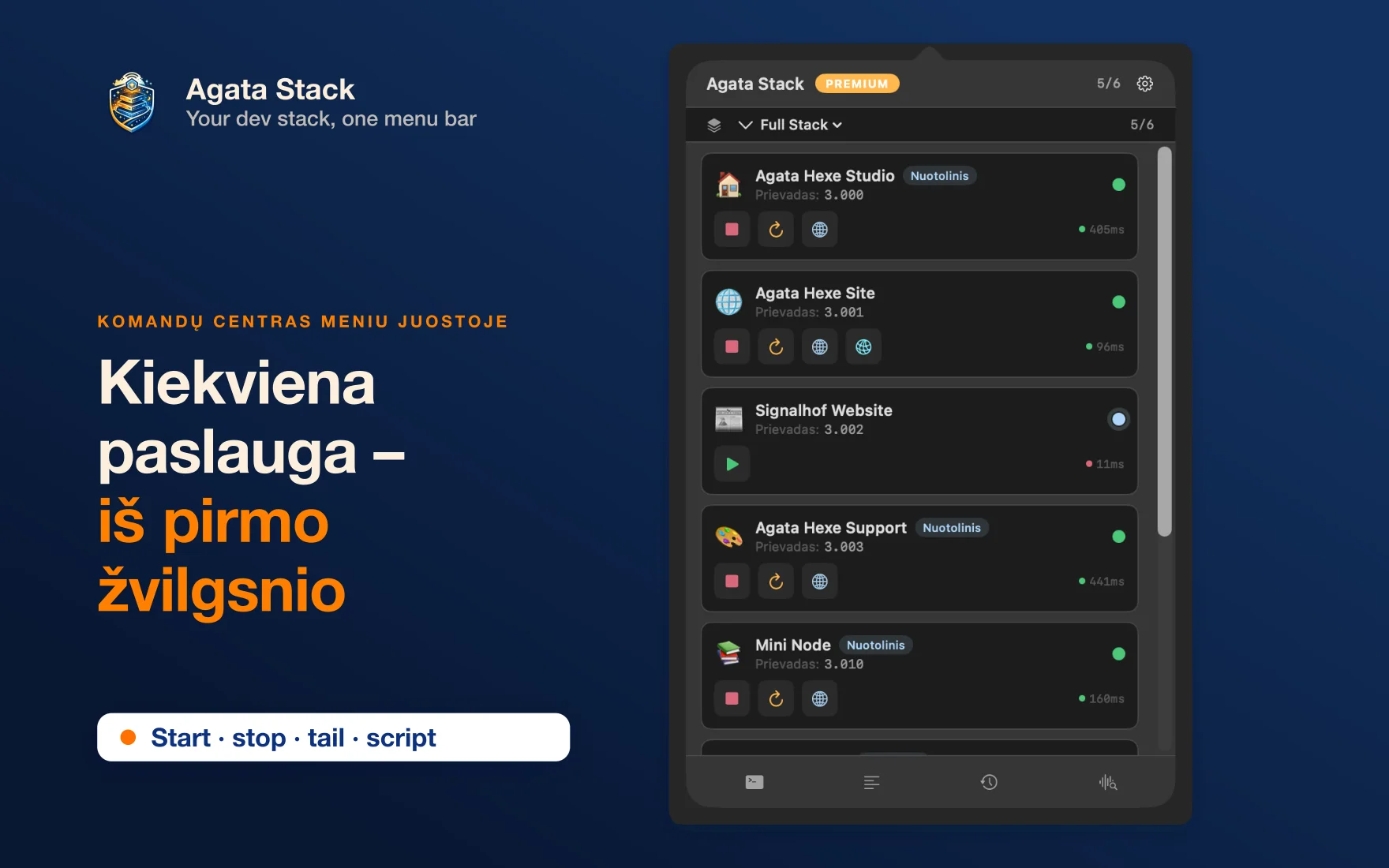
One icon, always there. Green and red dots for every service. Latency numbers. Start, stop, restart — instant feedback.
Step 3
Set your rules. Step away.
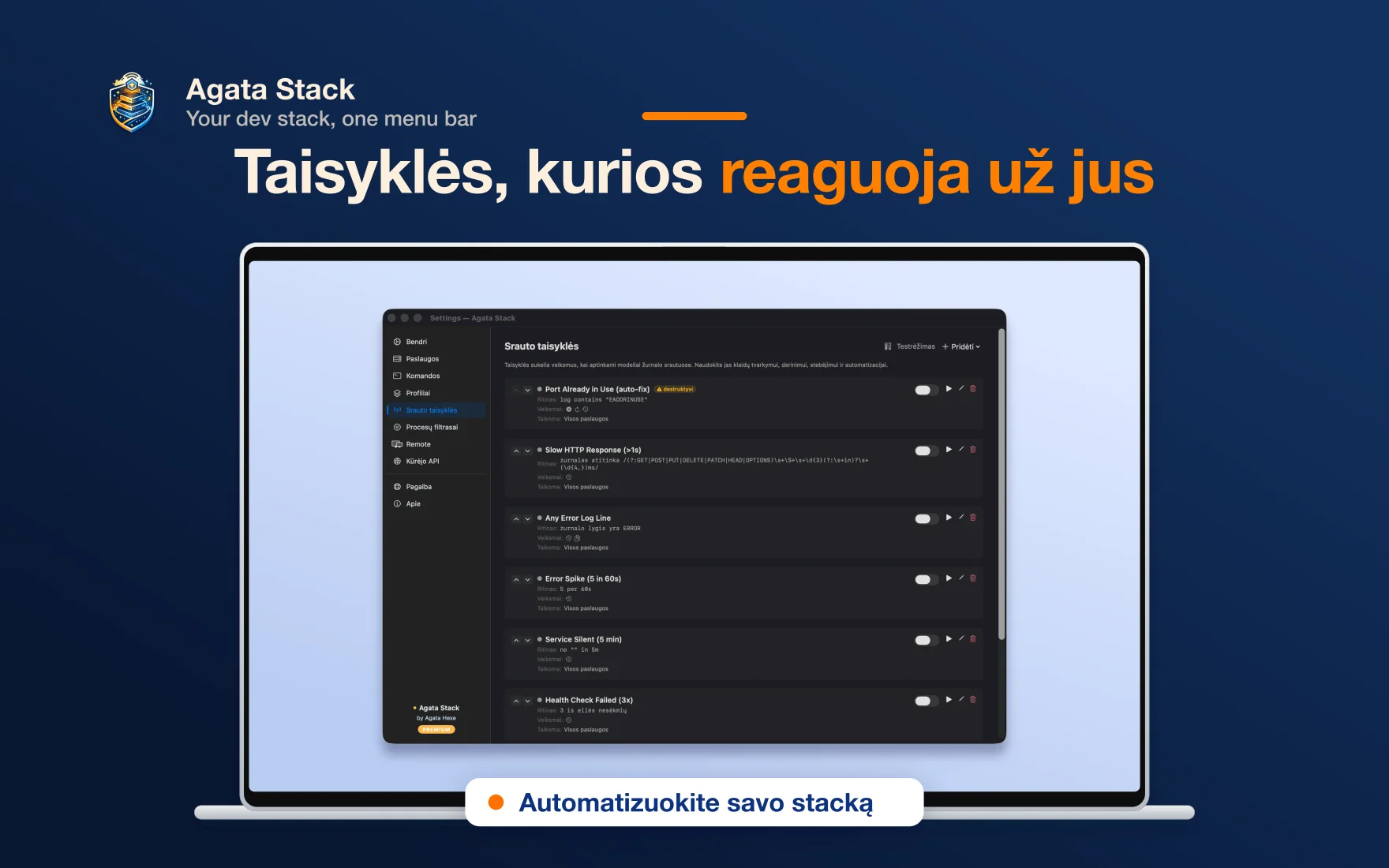
Stream Rules catch patterns before you notice — log fingerprints, health failures, process exits. Auto-restart, auto-notify, auto-capture. Or trigger any shell command.
See it in action
Dashboard
Every service at a glance — health, latency, status, and quick actions from one popover.
:5432
:4000
:4001
:6379
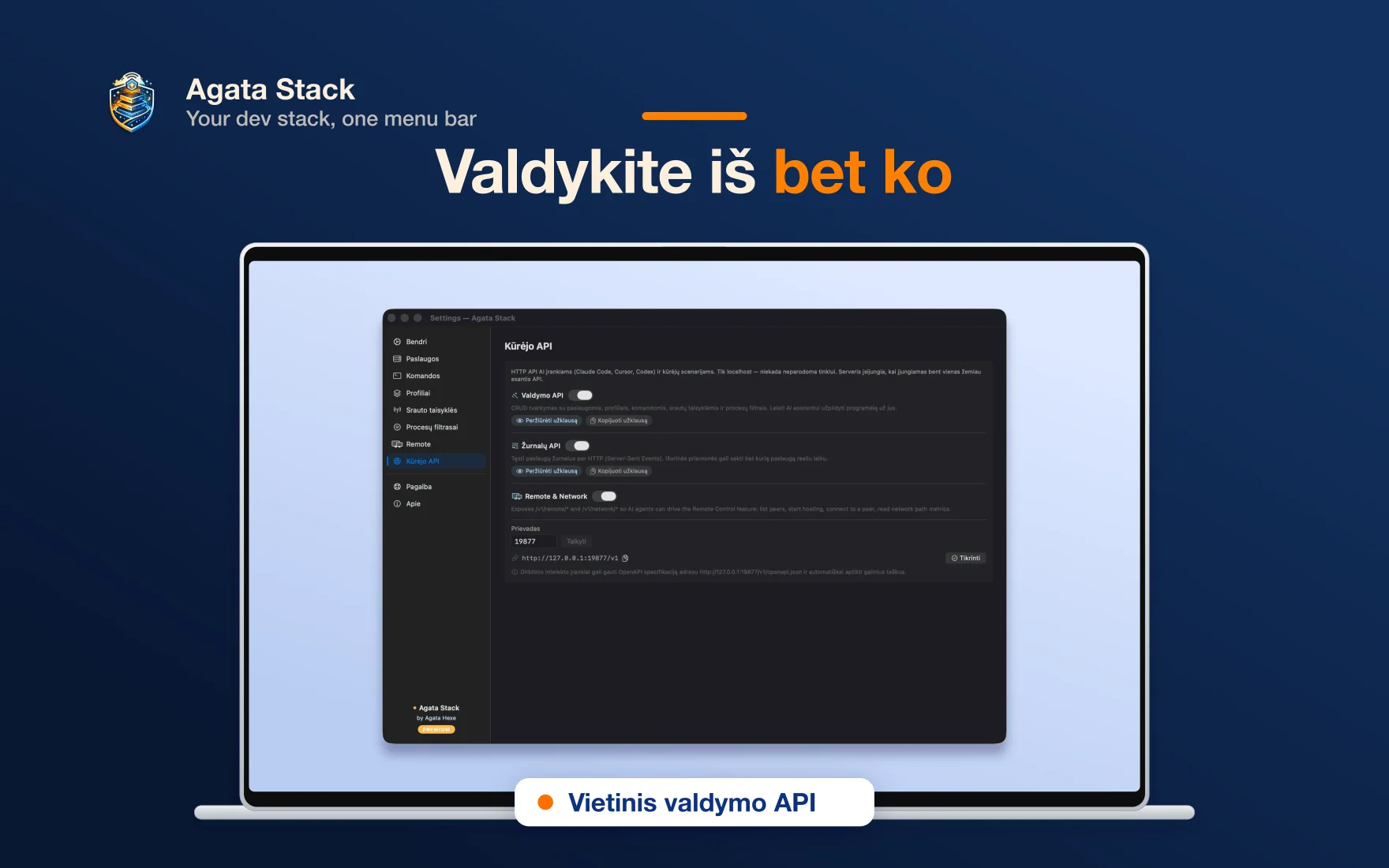
See it in action
Frequently Asked Questions
Your stack deserves better than 14 terminal tabs
Native macOS. Pure Swift. No telemetry. Your stack, in one menubar icon. Health checks, logs, a local API, and rules that restart, notify, or run any shell command.